


-300x300.webp)





- Stock: In Stock
- Brand: Therabody
- Model: PF-485


Description
Unsurpassed power. Remarkably quiet.


QuietForce Technology QX150: Professional grade power
There is no motor that can deliver the unmatched power of the Theragun while running quietly. PRO's professional motor with QuietForce technology provides up to 27 kg. pressure. And with Active Torque Control™, the PRO maintains all that power without affecting speed or quality.

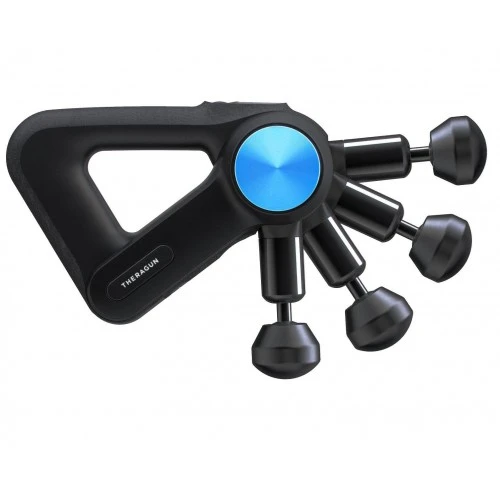
Ergonomic shape and multifunctional grip
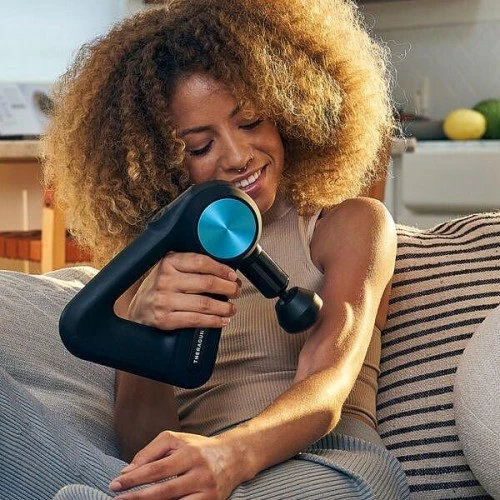
The patented ergonomic design of the Theragun Triangle handle allows you to hold the device in different ways, actively reducing the strain on the hands, wrists and arms.
All the features you need to take care of your body in a sleek, eye-catching design


MEET THE THERABODY APP
A truly personalized wellness regimen.
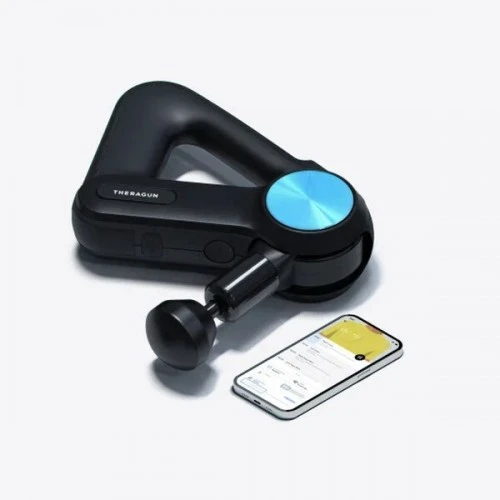
The Therabody app learns from your activity and behavior in real time, integrating with Apple Health and Google Fit to recommend personalized wellness routines that can be run on our Bluetooth® devices. Seamlessly integrated with our newly updated, fully customizable app, Elite is connected to your life. As our Therabody app continues to interact with and learn from your behaviors and preferences, it will offer personalized treatments to support the things you love to do most.
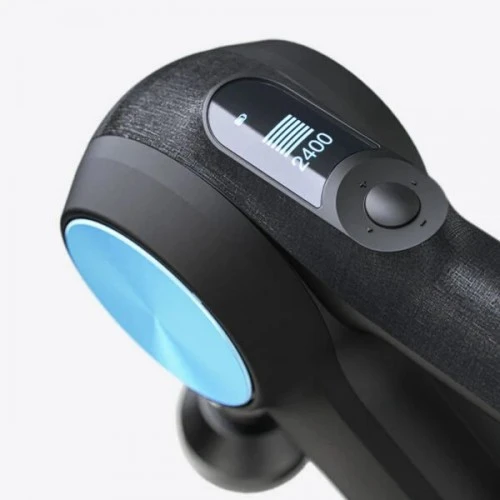
The Elite is a Bluetooth® connected smart device designed to seamlessly connect to the Therabody App. When you download the app, you'll be taken through a step-by-step setup and shown how to pair your device. Once paired with your device, the app can remotely adjust speed, activate preset guided routines, and make real-time recommendations based on your usage. The Elite's OLED screen assists you with the app by displaying current speed and force to help guide your treatment.
Stored preset procedures in the device
The Elite can store up to three presets locally. Each preset is a unique combination of speed, time, and strength depending on the guided wellness routine from which it originates. This means that each person's device is specific to them and can be tailored to their specific needs.

The Percussion Massage is now more and more perfect
Theragun Percussion Massage. How does it work and how is it different?


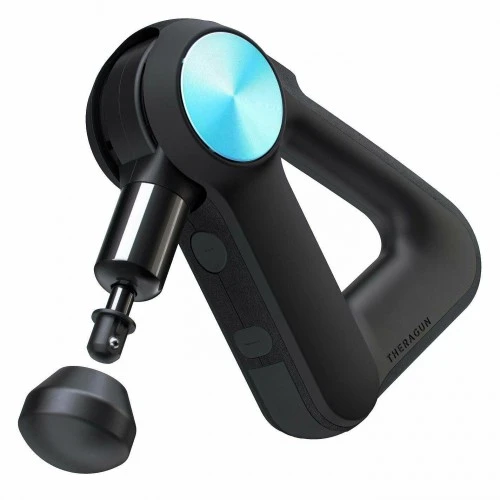
6 easy-to-clean attachments


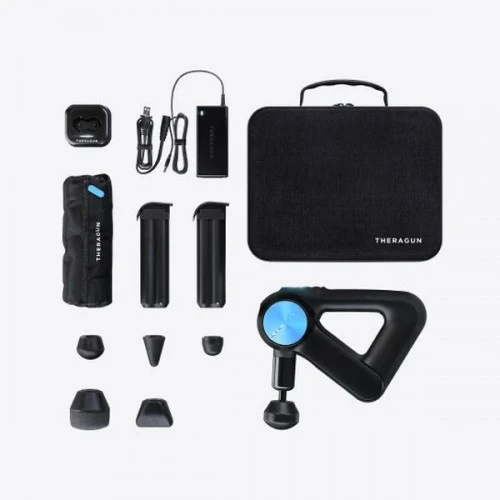
What is included in the kit?
- Theragun PRO
- Protective carrying case
- 6 attachments with travel case
- 2 rechargeable lithium-ion batteries
- Charger
Specifications
Smart features
Smart app integration via Bluetooth®, OLED screen, customizable speed range, 3 preset routines stored in the device, guided by the app
Speeds
5 built-in speeds (1750, 1900, 2100, 2200, 2400 bpm) and app controlled custom speed range (any speed between 1750-2400 bpm).
Amplitude
16 millimeters
Plugin compatibility
All 4th generation plug-ins
Accessory compatibility
PRO wireless charging stand, multi-device wireless charger, world travel charger
Dimensions
10 inches x 7.1 inches x 3 inches
(25.5cm x 18.0cm x 7.6cm)
Weight
2.9 lb (1.3 kg)
Battery life and charging time
300 minutes total, 150 minutes for each battery; 75 minutes
Battery type
2 external 16V Li-ion batteries
Guarantee
2-year limited warranty
How is it used?
Using PRO
Insert the Li-ion battery fully before turning on the PRO.
To turn on the PRO, press and hold the center button firmly for two seconds on the button panel.
Press the plus (+) and minus (-) buttons on the button pad to increase or decrease the speed.
Press the left (<) and right (>) arrows on the button panel to toggle between the preloaded PRO treatment settings.
To turn off the PRO, press and hold the center button on the button pad firmly until the device turns off.
Connecting the plug-ins
Align the attachment with the tip of the swivel arm and press to connect. To remove, grasp the plug by placing one finger on either side of the plastic connector. Pull out the attachment.
Using the swivel arm
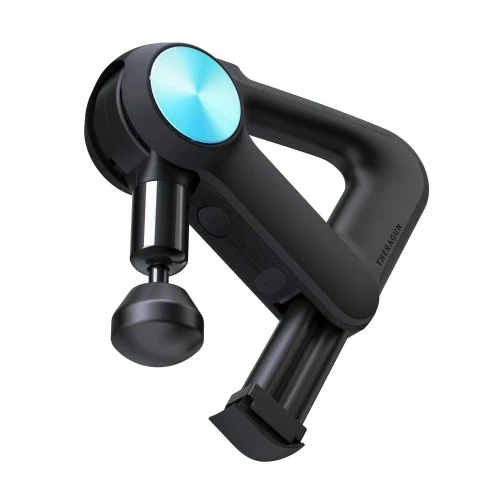
The rotating arm of the PRO is adjustable in 4 positions. To adjust the arm, press the swivel arm button on the underside of the PRO and move the arm to the desired position.
Charging the device
Inserting and removing the batteries
Align and insert the battery into the battery slot on the underside of the Theragun PRO with the flat side of the end of the battery facing the circular release button. Battery life is displayed on the PRO's OLED screen when the device is powered on. The PRO is fully charged when the OLED screen shows 100% and the battery icon is full. To remove the battery, press the circular release button above the battery bay and pull the battery out.
Charging
Plug the charging cable into the port on the charging station. Place the battery in the charging dock and press down until the light starts flashing. Charging is complete when the light stops flashing.
See some of the athletes who put their trust in Theragun


-224x224.webp "Theragun Thumb Plus - приставка")

-224x224.webp "Theragun Standard Ball Plus - приставка")


-224x224.webp "Theragun Vibration Plus - attachment")

-224x224.webp "Theragun Heated Percussive Plus - приставка")


